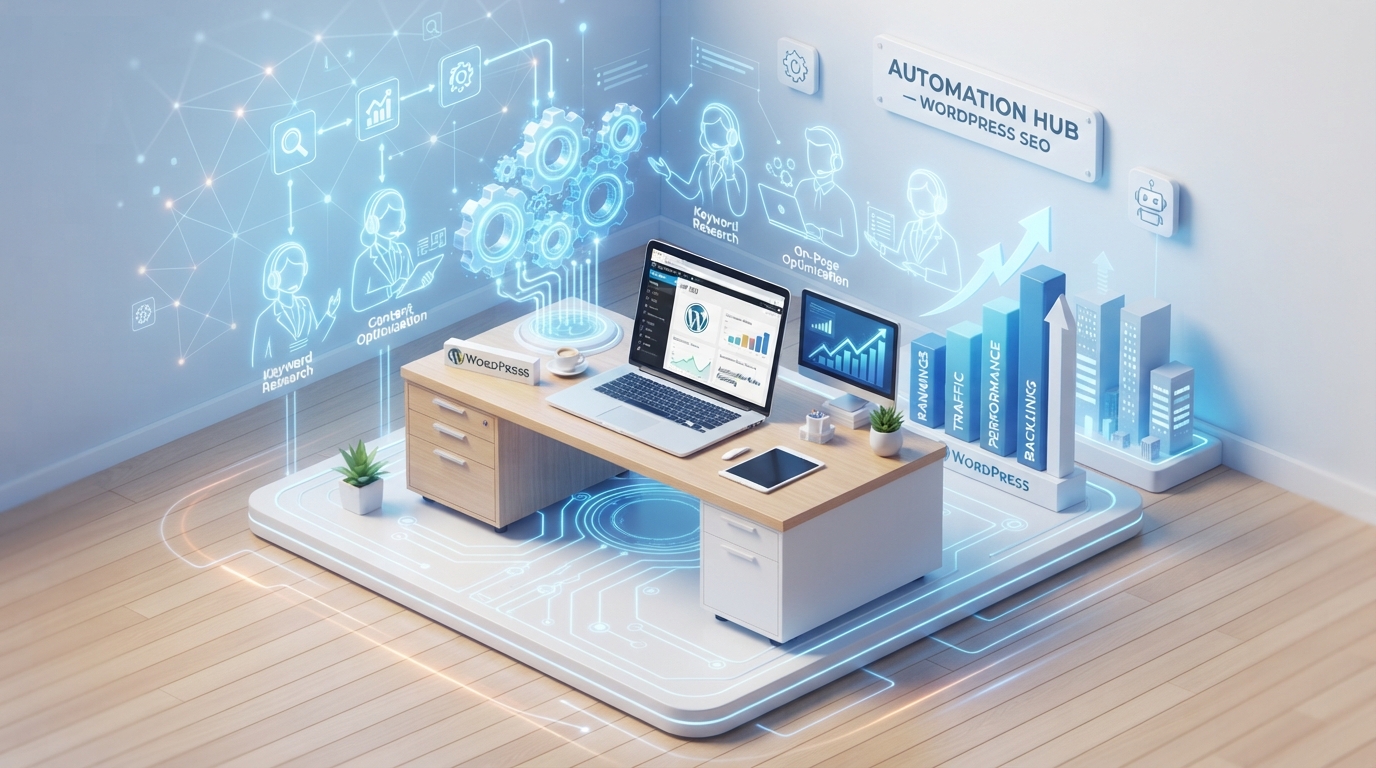
WordPress SEO workflow automation uses cloud webhooks, machine intelligence, and central tools to automate recurring technical site management tasks. By integrating a data pipeline and using human-managed checks, digital teams can improve search signals, enhance E-E-A-T, and boost index performance.
1. What is WordPress SEO workflow automation and why do you need it?
WordPress SEO workflow automation connects digital tools and scripts to process high-volume search updates without constant human manual effort. Many platforms lose potential clicks due to unoptimized meta descriptions, missing link assets, and poorly managed tag structures.
By automating these systems, specifically for VA services or marketing platforms, you eliminate technical bottlenecks, ensure clear schema markup, and improve page indexing performance, allowing for faster, more accurate site updates.
2. How to build an automated search optimization pipeline step-by-step
Creating a scalable SEO pipeline involves connecting data sources directly to your CMS via automated workflows:
- Step 1: Set Up Data Sheet: Use Airtable to organize keywords and search signals.
- Step 2: Connect Webhook: Use n8n/Make.com to monitor for updates.
- Step 3: AI Optimization: Automatically generate meta descriptions and H2/H3 structures.
- Step 4: Push to WordPress: Update the site automatically via API.
- Step 5: Final Check: Validate metadata and taxonomies.
3. Which critical search engine tasks should you put on autopilot?
To improve click-through rates (CTR), automate structural tasks that affect user experience:
| Task | Automation Method | Outcome |
|---|---|---|
| Metadata | AI generation on save. | Click-optimized, dynamic titles/descriptions. |
| Internal Linking | Text scanning engines. | Automated link cluster creation. |
| Image SEO | Cloud script resizing/alt-text generation. | Faster load times and better SEO. |
4. How to find the best GoHighLevel expert to integrate CRM automation?
For comprehensive marketing, linking your SEO efforts to a CRM is crucial. A dedicated gohighlevel expert ensures that your organic traffic converts smoothly into leads by tracking user actions on your optimized pages.
An experienced ghl expert or highlevel specialist helps centralize your data, allowing for automated follow-up campaigns and seamless CRM pipelines.
🚀 Need to automate your workflows and sync your CRM funnels smoothly?
Click Here to Hire a Certified GoHighLevel Expert from HireVa5. Why a “Human-in-the-Loop” structure protects your search visibility
Relying solely on AI for content can trigger search penalties, making a human-in-the-loop system vital. While automation handles routine tasks, experts are needed for:
- Fact-Checking: Ensuring accuracy.
- Brand Voice: Adding unique insights.
- Quality Assurance: Reviewing content flow.
An seo virtual assistant or project management virtual assistant is key to maintaining quality and ensuring search success.
6. FAQs on Remote Staffing and Workflows
Can a VA manage complex platforms like GHL?
Yes, a GHL expert can manage CRM, snapshots, and third-party API integrations.
How do VAs reduce costs?
They eliminate overheads like office space, hardware, and long-term hiring costs.
Why is human oversight needed for AI?
It ensures factual accuracy and prevents content from triggering quality filters.