✅ Quick Answer
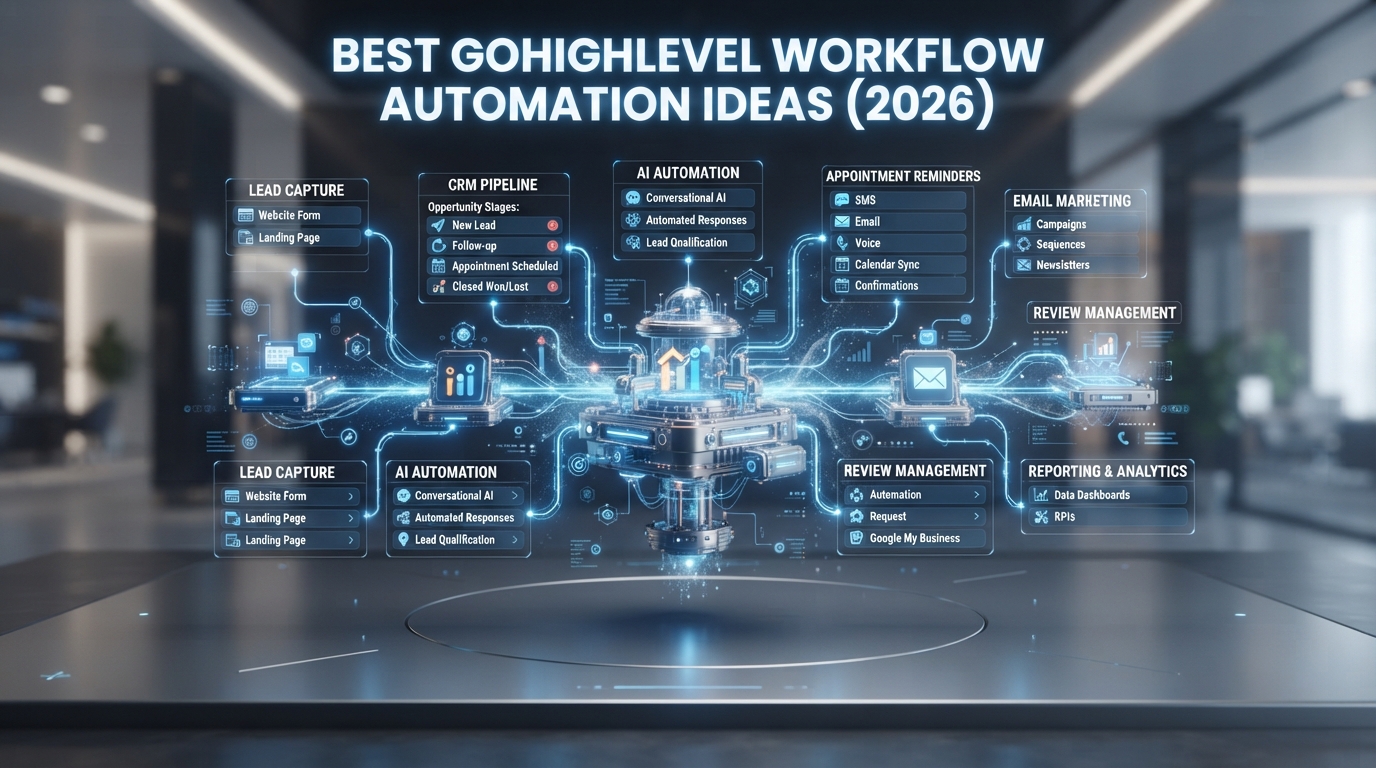
GoHighLevel workflow automation helps businesses automate repetitive tasks such as lead follow-ups, appointment reminders, email campaigns, SMS notifications, pipeline updates, and customer onboarding. Well-designed workflows save time, improve response speed, and create a more consistent customer experience.
📌 Key Takeaway
Businesses using GoHighLevel automation can reduce manual work, improve lead response times, and streamline customer communication by building automated workflows tailored to their sales process.
Table of Contents
- What Is GoHighLevel Workflow Automation?
- Why Workflow Automation Matters
- 10 Best Automation Ideas
- Common Mistakes
- Best Practices
- Frequently Asked Questions
What Is GoHighLevel Workflow Automation?
Workflow automation in GoHighLevel allows businesses to automatically perform actions based on customer behavior or predefined triggers. Instead of completing repetitive tasks manually, the CRM executes them automatically.
Examples include sending welcome emails, assigning leads to sales representatives, updating pipeline stages, sending appointment reminders, and following up with inactive prospects.
Why Workflow Automation Matters
A well-designed automation system helps businesses:
- Respond faster to new leads
- Reduce manual tasks
- Improve customer experience
- Increase sales opportunities
- Keep teams organized
- Reduce human error
10 Best GoHighLevel Workflow Automation Ideas
1. Instant Lead Response
Automatically send a welcome email and SMS as soon as a lead submits a form.
2. Appointment Confirmation
Send automatic confirmations and reminders before scheduled appointments.
3. Missed Call Text Back
If your business misses a phone call, automatically send a text message letting the customer know you’ll respond soon.
4. Lead Nurturing Campaign
Create email and SMS sequences that educate and engage prospects over time.
5. Pipeline Stage Automation
Move leads between pipeline stages automatically based on actions they complete.
6. Customer Onboarding
Trigger onboarding emails, welcome messages, and setup instructions immediately after a customer signs up.
7. Review Request Automation
Automatically ask satisfied customers to leave reviews after completing a service.
8. Re-engagement Campaign
Reconnect with inactive customers through personalized email and SMS campaigns.
9. Internal Team Notifications
Notify your sales team whenever a high-value lead submits a form or books an appointment.
10. AI-Powered Follow-Ups
Use AI-assisted messaging to respond faster while maintaining consistent communication.
Common Workflow Automation Mistakes
Avoid these mistakes:
- Building overly complicated workflows
- Sending too many messages
- Forgetting to test automation
- Ignoring reporting and analytics
- Not updating workflows as your business grows
Best Practices
- Keep workflows simple
- Test every automation before publishing
- Personalize messages
- Monitor conversion rates
- Review workflows regularly
- Remove unnecessary automation steps
Why Choose HireVA?
HireVA helps businesses build customized GoHighLevel workflow automation systems that improve efficiency, automate customer communication, and simplify lead management. Our team designs scalable workflows tailored to your business goals.
👉 Link GoHighLevel CRM Setup & Automation Services to your main service page.
Frequently Asked Questions
What is workflow automation in GoHighLevel?
Workflow automation allows GoHighLevel to perform tasks automatically based on triggers such as form submissions, appointments, or customer actions.
Can GoHighLevel automate emails and SMS?
Yes. GoHighLevel supports automated email campaigns, SMS messaging, reminders, and lead nurturing sequences.
Is workflow automation suitable for small businesses?
Yes. Small businesses can automate repetitive tasks, improve response times, and manage customers more efficiently.
How do I build my first GoHighLevel workflow?
Start with a simple lead capture workflow, add email and SMS actions, test it thoroughly, and optimize it based on results.
Conclusion
GoHighLevel workflow automation helps businesses save time, improve lead management, and deliver a better customer experience. By automating repetitive tasks and optimizing customer communication, businesses can focus on growth instead of manual processes.
If you’re looking for professional workflow design and CRM implementation, explore HireVA’s GoHighLevel CRM Setup & Automation Services to build automation tailored to your business.